Colored TwEncils
Photo Credits:
Shawn Latta - Rainbow Twizzlers
Marco Verch - “Pile of Colorful Wooden Pencils with copy space”
Both via Flickr
ENGRD101.01. Fall 2023. Emory University

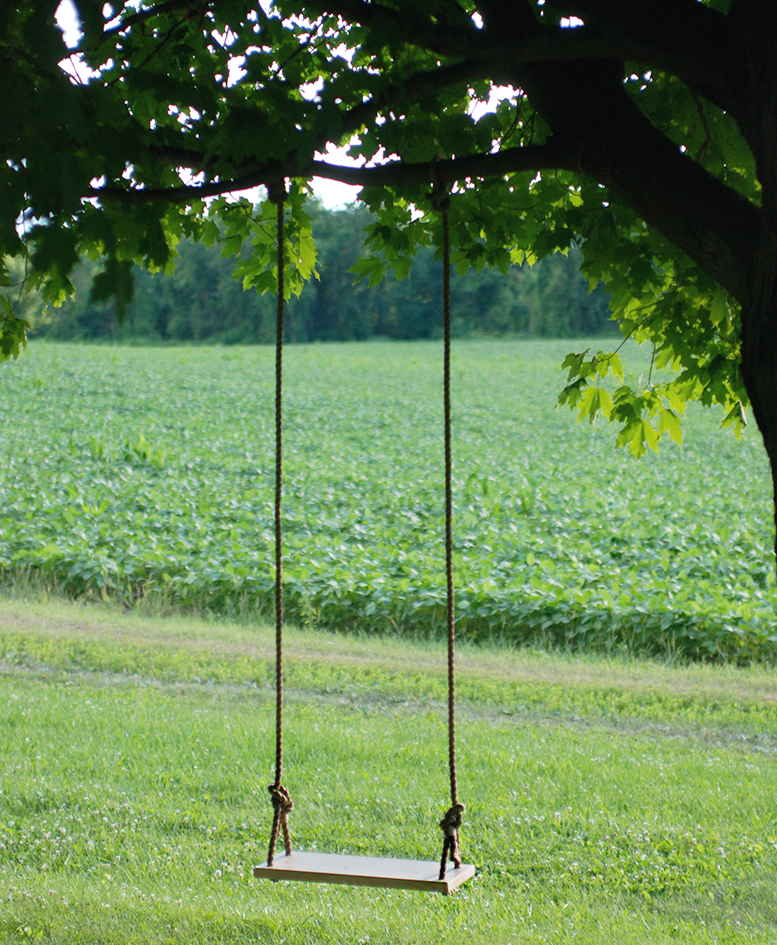
For this Sunday sketch, I create a staple swing. Again, this project started off with me rummaging through my pencil case for an item to start off with. What I found was a mini stapler, and from there I took out a single staple. To me, a swing instantly came to mind. However, searching for a single staple photo was impossible to find so I took my own. The swing was easier to find on internet and I chose the first one that was suitable.
The actual photoshopping process took much longer. For one, this program was new to me, and even though I am familiar with photoshop, the cropping functions had different properties that stumped me. I ended up taking a different approach to deleting the swing from the original picture and I believe it turned out well. I could have spent more time to make it look more cohesive but with the tools at hand I don’t think the time investment would be worth it.
Photo from :TreeSwing7.jpg (777×945) (themerrythought.com)

When I began thinking of ideas for this sketch, I knew I wanted to use a photo of my own. After scrolling through my camera roll for 30 minutes, I decided to use a photo of me diving into water. The background of the image wasn’t uniform, however, so after some trial and error, I realized I wouldn’t be able to find another image that aligns well with the background. Instead, I decided to crop everything but me out of the image. I struggled to think of ways I could creatively combine myself with another image. My mom used to cook dinner for us every night and recently I’ve been missing her meals, which gave me the idea for the background photo. I don’t have any images of meals she made, but my mom loved to make soup. If I was back at home right now, I know I’d “dive head first” into the food she makes.
When I first opened up the Pixlr website to start photoshopping my images for this assignment, the search bar had already been autofilled with “New York,” which featured pictures of downtown, roads, and the Statue of Liberty (guess which one I chose?). I’ve always loved visiting Lady Liberty during my trips to New York, and I am fascinated by the torch she holds. I’ve never been inside the statue, but I’ve seen a life-sized model of the torch, which was an incredible experience. In the spirit of sports season, I decided to give America’s famous landmark her very own foam finger so she can root for her favorite team! I think this image conveys our country’s love for liberty, and for sports. Freedom and justice is what many think of when seeing the Statue of Liberty, and a sense of freedom can be felt whenever one watches and/or participates in a form of a sport. For me, theatre is my sport, and I have met so many people and become part of such a tight-knit community, all of whom give me the freedom to be who I want to be!
*sorry for the image quality, I hope it manages to convey the message!

The two images I combined for my combo photo are an NFL backup quarterback and a stack of money. The meaning of the photo is pretty straightforward, demonstrating the amount of money that is actually in the NFL and that players who are 3rd string players and barely see the stage of an actual NFL game are still receiving excellent pay and are in much better financial shape than 99% of Americans. This photo also demonstrates how quickly NFL players and other players throw away their money on useless items, have some financial problems later in their lives, and even have to declare bankruptcy in some rare conditions. During this assignment, I found it challenging to combine the two images and discard the parts of one image that didn’t look good when the images were combined. In addition, it was difficult to blur the images together to make it look like one image, not two images obviously edited together. In the end, I was able to figure out the solution, and I am sure I will be more efficient the next time I perform a similar task.

Stephen Mcmennamy is an Atlanta artist and Creative Director who was at the advertising firm BBDO. He first came to my attention when I saw his series of “combophotos” that splice together two different images to form a surreal new creation.
Here are a few examples from him:


Take a few moments to look through the images he’s posted on his site linked above or on his Tumblr or his Instagram. Then create your own square combophoto and publish it to your site. You can take your own photos, but probably you’ll want to use CC_licensed images you find on Flickr — make sure you give credit to the originals that you modify to create your combophoto.
The level of technical aptitude for this assignment is actually relatively small, just simple cropping and resizing. The greater part of the challenge is thinking creatively and finding images that you can work with. That said, note that Mcmennamy comes up with ideas and then specifically stages photos to combine, and he seems to often spend significant amounts of time shooting and selecting his images. You won’t have lots of time, models you can hire, or expensive photo equipment to work with, so I don’t necessarily expect your final images to be as polished and perfectly aligned as his are. More important is for you to be playful and come up with images that combine to create something funny or witty or striking.
To edit the two photos together, you can use whatever photo editing software you’d like. Pixlr is a good free web app, as is PicMonkey. Adobe Photoshop is also available for you to use on the computers in the Media Library on the 4th floor of the Woodruff Library.
Once you have your image, publish it in a post on your class site. Don’t forget to give it a funny or witty title! Tag your post “sk4“
Write a paragraph about how you went about choosing the two images you combined and why. What challenges did you face as you created your combophoto? What do you think your final image conveys?